EB-FH54 — 4,100 lumens Full HDBoardroomClassroomInstallation
Quick answer
The Epson business projector we supply and install here is the EB-FH54: a 3LCD Full HD projector rated at 4,100 lumens of both white and colour brightness, with Wi-Fi 6, Miracast, Apple AirPlay 2, a 16W speaker, auto vertical and horizontal slide keystone, projection up to 304" and up to 12,000 hours eco-mode lamp life. It is designed for rooms with the lights on — offices, boardrooms, conference rooms, classrooms and training rooms.
The model
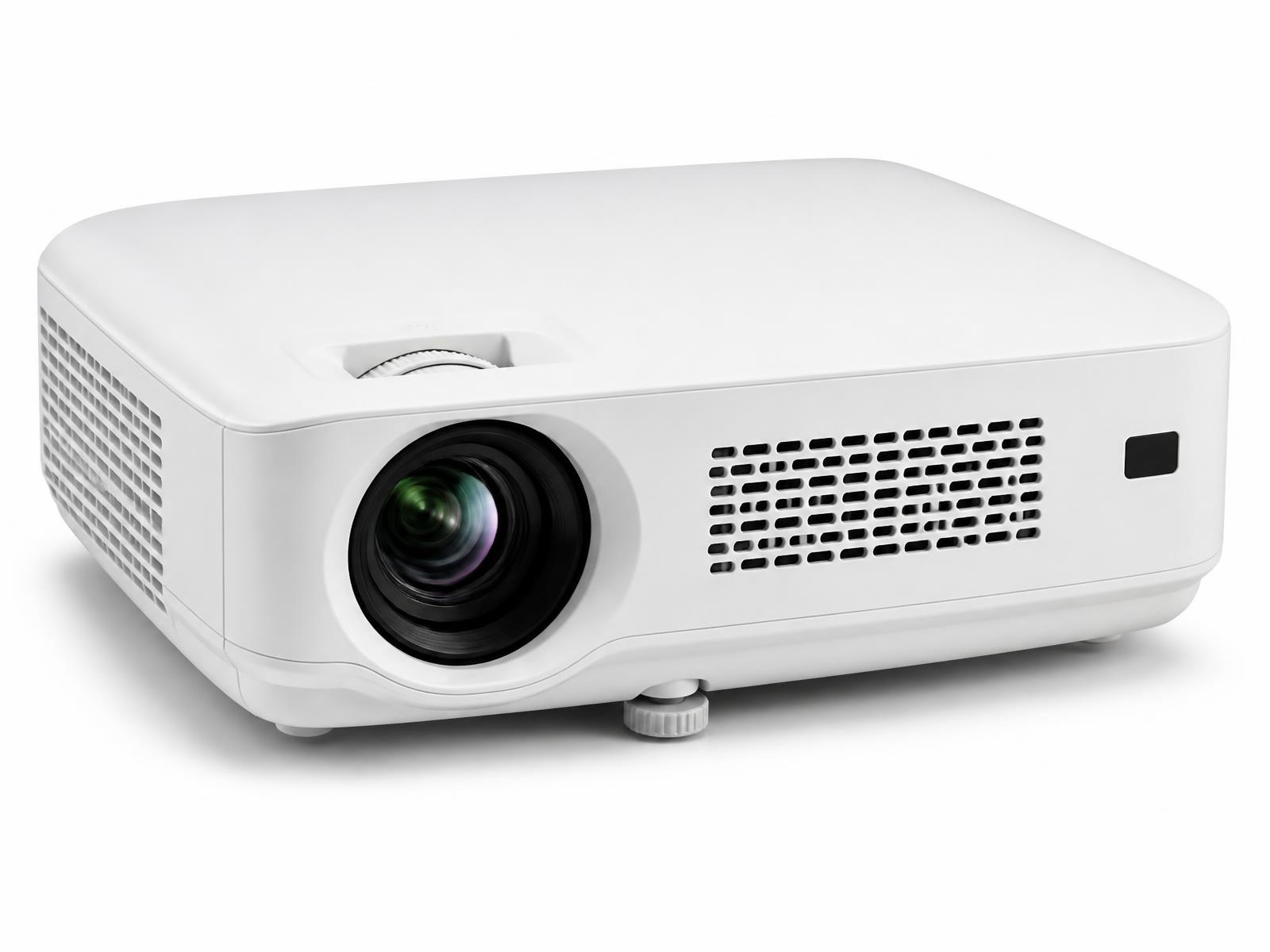
4,100-lumen Full HD 3LCD projector for meeting rooms and classrooms, with Wi-Fi 6, Miracast, AirPlay 2, a 16W speaker and 12,000-hour eco lamp life. View the full EB-FH54 specification.
Epson EB-FH54 — key published specifications
Specification
Value
Resolution
Full HD 1080p (1920 × 1080 native)
Brightness
4,100 lumens white and colour brightness
Lamp life
Up to 12,000 hours in eco mode
Projection size
Up to 304"
Wireless
Wi-Fi 6, Miracast, Apple AirPlay 2, screen mirroring, WPA2/WPA3-Enterprise security
Built-in audio
16W built-in speaker
Keystone
Auto vertical keystone ±30° and horizontal slide keystone
Where it fits
The same projector behaves differently by room. These are the environments it is designed for.
Offices
Bright enough for a lit cabin or open-plan huddle area, with wireless sharing so visitors present without adapters.
Wireless presentation from any common device, with the 16W speaker covering audio in small and mid-size rooms. See conference room projectors.
Classrooms
4,100 lumens keeps the image readable with tube lights on and daylight through the windows. See classroom projectors.
Training rooms
Long eco-mode lamp life for rooms running sessions back to back all day.
Corporate presentations
Up to four devices can share the screen with split-screen via the Epson iProjection app.
Why brightness, not resolution, decides business projectors
In a lit room the limiting factor is contrast against ambient light, not pixel count. A 4K projector at 2,000 lumens looks worse in a boardroom at 11am than a Full HD projector at 4,100 lumens. That is the whole argument for this model in business and education rooms — and the reason we do not push home cinema projectors into offices.
Build a complete conference room around the EB-FH54
Projector and a screen sized for the furthest seat, not the room's widest wall
Conference camera and microphone coverage matched to table length
Room audio, either from the projector's 16W speaker in small rooms or dedicated speakers in larger ones
Wireless presentation — the EB-FH54 supports Miracast, AirPlay 2 and the Epson iProjection app
Source switching and cable management at the table
Control and scheduling integration where the client already runs a platform
What projector installation actually involves
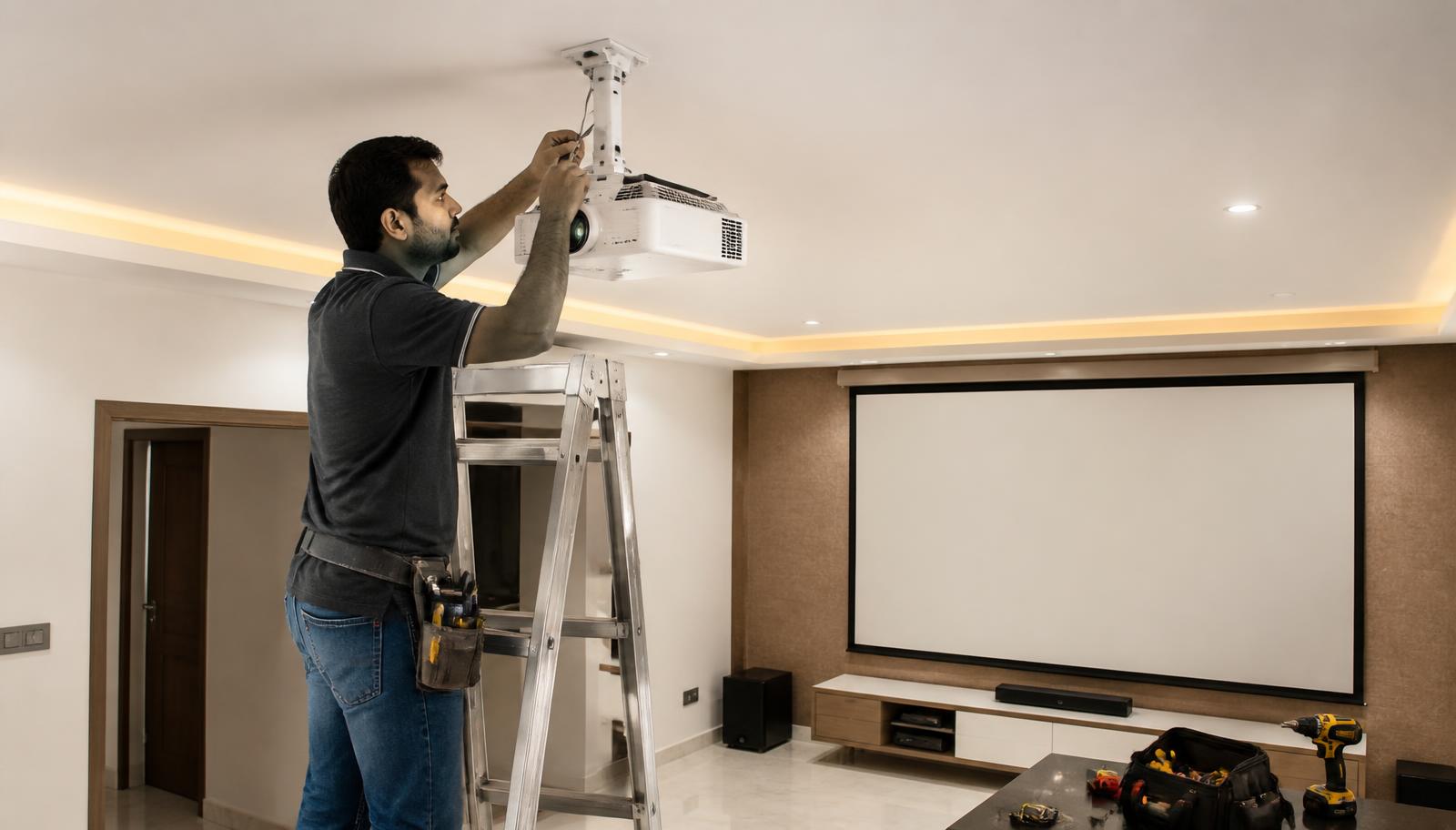
A projector is only as good as its installation. This is the sequence we follow on every job — we do not quote installation timelines before seeing the room. See projector installation.
Room assessment — dimensions, seating position, ambient light at the times you actually watch
Throw distance calculated from the model's published throw ratio, not guessed
Screen size and gain matched to seating distance and room light
Mount selection — ceiling, shelf or rear wall — with correct load and drop
Concealed HDMI, power and network routing, ideally before false ceilings close
Geometry and focus set up, then picture calibration on the final screen
Beyond the projector
For organisations we also design and deliver smart classrooms, commercial automation and integrated meeting-room AV. Projection is usually one line in a larger scope.
See a projector before you commit
Brightness and contrast are impossible to judge from a specification sheet. Our Hyderabad experience centre is at Pancom Business Centre, Mumbai Highway, Nagarjuna Nagar Colony, Ameerpet, Hyderabad 500073, and our Vijayawada experience centre is in Ashok Nagar. Demonstrations are by appointment, and the models on demonstration vary — tell us what you want to see and we will confirm what can be shown. Book a visit.
Get current price and availability
We do not publish projector pricing on the website. Pricing depends on the configuration — projector alone, or projector with screen, mounting, cabling, audio and installation — so it is quoted in writing for your room. Availability changes, so we confirm the exact model, configuration and lead time in writing before you order rather than publishing stock status on the website. Request a quotation or message us on WhatsApp with your room details.
Tell us the model, your city, room type and approximate room size
We confirm the right model and screen size against the published specifications
You receive a written quotation covering the projector, screen, mounting and cabling
Installation, calibration and AV integration are quoted alongside it
Specification accuracy
Specifications are based on manufacturer information published by Epson and may change. Please verify the latest specifications with us before purchase.
Experience Centre · Hyderabad
Visit our Hyderabad showroom
Book a free demo at the LiveInSmart Hyderabad Experience Centre — listen to Dolby Atmos, see 4K laser projectors and walk through live home-automation scenes before you buy.
Pancom Business Centre, Mumbai Hwy, Nagarjuna Nagar Colony, Ameerpet, Hyderabad 500073
Which Epson projector is best for a conference room?+
The EB-FH54 in most mid-size rooms — 4,100 lumens Full HD with Wi-Fi 6, Miracast and AirPlay 2 wireless presentation. Larger halls need a higher-brightness or installation-class model, which we specify separately.
Is 4,100 lumens enough for a classroom?+
For a typical Indian classroom with tube lights and daylight, yes — that brightness level keeps text and diagrams readable for the back row without curtains. Very large halls need more.
Do Epson business projectors support wireless presentation?+
The EB-FH54 supports Wi-Fi 6, Miracast, Apple AirPlay 2 and screen mirroring, and the Epson iProjection app allows up to four devices with split screen.
Can a business projector be used for movies at home?+
It will display them, but a Full HD business projector is tuned for brightness rather than contrast. For home cinema see [Epson home theatre projectors](/epson-home-theatre-projectors).
How long does the lamp last?+
Epson publishes up to 12,000 hours in eco mode for the EB-FH54, which is long enough that most daily-use rooms go years between lamp changes.
Do you install business projectors across Telangana and Andhra Pradesh?+
Yes — supply, mounting, cabling, screen and commissioning across Hyderabad, Vijayawada, Visakhapatnam and the wider region.
Ready to upgrade your space?
Book a free, no-obligation demo at our Hyderabad or Vijayawada experience centre and hear it for yourself.