Epson EB-FH54 — Full HD business projectorBoardroom presentationClassroom teachingCeiling mounting and cabling
Quick answer
Yes, for offices and classrooms. The Epson EB-FH54 is a Full HD 3LCD projector rated at 4,100 lumens white and colour brightness, so it stays readable with room lights on. It supports Wi-Fi 6, Miracast and Apple AirPlay 2 for wireless presentation, has a 16W speaker, auto vertical and horizontal slide keystone, projects up to 304", and publishes up to 12,000 hours of eco-mode lamp life. It is a business and education projector, not a home cinema model.
Is the Epson EB-FH54 a good business projector?
Yes, for offices and classrooms. The Epson EB-FH54 is a Full HD 3LCD projector rated at 4,100 lumens white and colour brightness, so it stays readable with room lights on. It supports Wi-Fi 6, Miracast and Apple AirPlay 2 for wireless presentation, has a 16W speaker, auto vertical and horizontal slide keystone, projects up to 304", and publishes up to 12,000 hours of eco-mode lamp life. It is a business and education projector, not a home cinema model.
What is the EB-FH54?
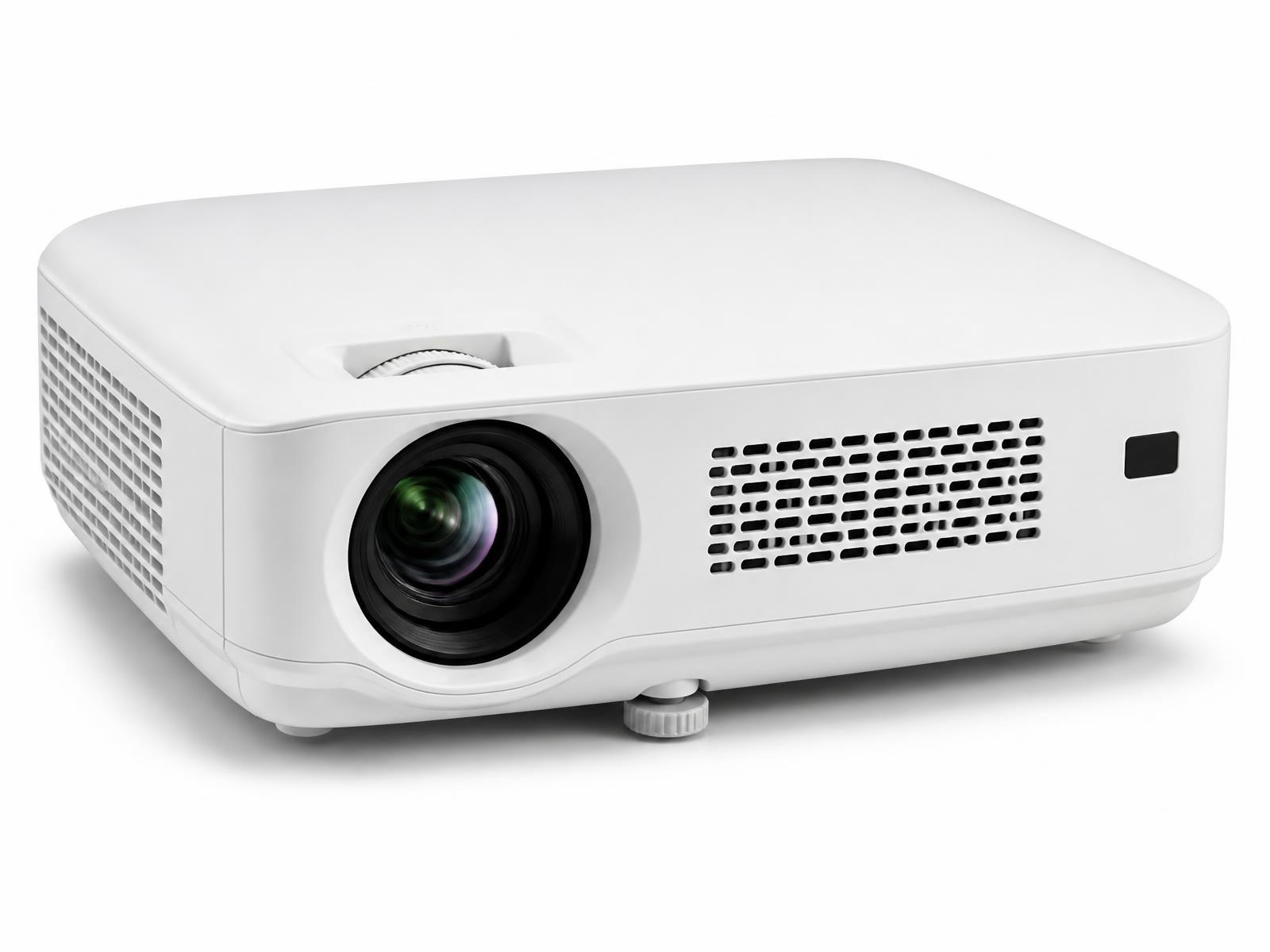
4,100-lumen Full HD 3LCD projector for meeting rooms and classrooms, with Wi-Fi 6, Miracast, AirPlay 2, a 16W speaker and 12,000-hour eco lamp life. Best for offices, boardrooms, conference rooms, classrooms and training rooms with normal room lighting. Epson positions this model as a full hd wireless business and education projector, and everything on this page is written around that intent rather than pushed into categories the specification does not support.
Key specifications at a glance
Epson's published figures. Fields Epson does not publish are marked rather than filled in.
Epson EB-FH54 — key published specifications
Specification
Value
Resolution
Full HD 1080p (1920 × 1080 native)
Brightness
4,100 lumens white and colour brightness
Contrast ratio
Not specified by manufacturer
Projection technology
3LCD
Light source and lamp life
UHE lamp — Up to 12,000 hours in eco mode
Throw ratio
Not specified by manufacturer
Zoom
1.62x optical
Lens shift
Not specified by manufacturer — no lens shift listed
Projection size
Up to 304"
Operating system
No smart TV operating system; wireless sharing through the Epson iProjection app
Built-in audio
16W built-in speaker
Who should choose the EB-FH54?
Only the use cases the published specifications genuinely support.
You need a bright picture in a room with lights on and daylight through the windows — 4,100 lumens is the point of this model
Presenters arrive with their own laptops, iPads and phones — Wi-Fi 6, Miracast and AirPlay 2 remove the cable hunt
The room is used daily and lamp changes are a nuisance — up to 12,000 hours in eco mode
You need audio from the projector itself in a small or mid-size room — 16W built-in speaker
IT requires enterprise wireless security — WPA2/WPA3-Enterprise is supported
Who should not buy it
The honest version. A projector that is wrong for the room disappoints however good the specification sheet looks.
Home cinema. This is a Full HD business projector — it is not 4K and not tuned for dark-room film viewing
Rooms needing precise off-axis placement; no lens shift is listed, so geometry depends on mounting and keystone
Installations with many permanent fixed sources where the exact HDMI port count matters — Epson does not publish it, so we verify on the unit
Very large auditoriums, where a higher-brightness or laser installation model is the correct choice
Full specification table
Every field Epson publishes for this model, with explicit gaps where it does not. Brightness, resolution, wireless features, speaker, keystone and model code from Epson India; lamp life, zoom, projection size, refresh rate and warranty from Epson UK/EU published specifications and the official datasheet.
Epson EB-FH54 — full published specification
Field
Value
Model code
V11HB59056
Category
Business / education projector
Projection technology
3LCD
Resolution
Full HD 1080p (1920 × 1080)
White brightness
4,100 lumens
Colour brightness
4,100 lumens
Contrast ratio
Not specified by manufacturer
Light source
UHE lamp
Lamp life
Up to 12,000 hours (eco mode)
Throw ratio
Not specified by manufacturer
Zoom
1.62x optical
Lens shift
Not listed for this model
Keystone correction
Auto vertical keystone ±30° and horizontal slide keystone
Projection size
Up to 304"
Refresh rate
240Hz (Epson datasheet)
Operating system
None — Epson iProjection app for wireless presentation
Wireless
Wi-Fi 6, Miracast, Apple AirPlay 2, screen mirroring
Wireless security
WPA2 / WPA3-Enterprise
Multi-device sharing
Up to 4 devices with split-screen via Epson iProjection
HDMI
Present; port count and version not specified by manufacturer on the published pages
USB
Not specified by manufacturer
Built-in audio
16W speaker
Dimensions
Not specified by manufacturer
Weight
Described by Epson as lightweight and compact; no figure published
Noise level
Not specified by manufacturer
Power consumption
Not specified by manufacturer
Warranty
Epson UK/EU publish a 3-year warranty; the India term is confirmed in writing at quotation
What screen size suits it, and how far back should it sit?
Epson publishes a throw ratio of no throw ratio for this model, so we measure on site using the projection distance chart supplied with the unit. There is no single correct screen size — it depends on room length, seating distance, the projector's throw ratio, brightness, the content you watch and how much ambient light the room has. A larger screen spreads the same light over more area, so image punch falls as size rises. We calculate the throw and the screen size together before recommending either.
Why the EB-FH54 works for modern meeting rooms
Meeting rooms fail for mundane reasons: the image washes out with the lights on, and the first ten minutes go on finding a cable. 4,100 lumens of white and colour brightness addresses the first. Wi-Fi 6, Miracast, Apple AirPlay 2 and the Epson iProjection app — which supports up to four devices with split screen — address the second. WPA2/WPA3-Enterprise security is supported for IT teams that require it, and the 16W speaker covers audio in small and mid-size rooms.
4,100 lumens white and colour brightness, so lights stay on and people keep taking notes
Full HD 1080p — spreadsheets and small type stay legible
Wireless presentation from laptops, iPads and phones without adapters
Auto vertical keystone and horizontal slide keystone for quick geometry correction
Up to 12,000 hours eco-mode lamp life for daily-use rooms
We do not claim certified Teams or Zoom room compatibility — the projector is a display; conferencing certification sits with the camera and codec
Epson EB-FH54 for classrooms
Indian classrooms are bright — large windows, tube lights, pale walls. That is why brightness, not resolution, decides classroom projectors. At 4,100 lumens with equal colour brightness, the EB-FH54 keeps text and diagrams readable for the back row without drawing the curtains. Full HD means projected notes and video hold up on a large image, and wireless sharing lets a teacher present from a tablet while walking the room. See our classroom projector and smart classroom pages.
Readable text for the back row in a lit room
Projection up to 304" for large teaching halls, sized to the room in practice
Wireless presentation for teachers moving around the class
HDMI for a fixed teaching PC or visualiser
Long eco-mode lamp life for classrooms running several periods a day
Epson EB-FH54 for conference rooms
For boardrooms and conference rooms the projector has to cope with daylight, guest laptops and video calls displayed on the big screen. The EB-FH54 handles the display side: bright Full HD, wireless sharing from any common device, and a built-in speaker for rooms where dedicated audio is not justified. Video conferencing quality depends on the camera, microphones and platform, not the projector, so we specify those separately. See board room projector solutions.
How does it compare with Epson's home theatre projectors?
The EB-FH54 is not a competitor to the EH-TW9400, EH-TW7100 or EH-TW6250 — it answers a different question. The home models are 4K PRO-UHD projectors tuned for dark rooms, contrast and film; the EB-FH54 is a Full HD projector tuned for brightness, wireless presentation and daily use in lit rooms. Buying across that line in either direction leads to disappointment.
Epson EH-TW9400, EH-TW7100, EH-TW6250 and EB-FH54 compared
Model
Category
Resolution
Brightness
Contrast
Light source
Best for
EH-TW9400
Home theatre
4K PRO-UHD
2,600 lumens
1,200,000:1
250W UHE lamp
dedicated cinema rooms and premium living-room cinemas with controlled light.
EH-TW7100
Home theatre
4K PRO-UHD1
3,000 lumens
100,000:1
250W UHE lamp
living-room cinema and family media rooms where some ambient light is unavoidable.
EH-TW6250
Home theatre
4K PRO-UHD
2,800 lumens
35,000:1
200W UHE lamp
living rooms and family rooms that want a large 4K picture and console gaming without a separate streaming box.
EB-FH54
Business / education
Full HD 1080p (1920 × 1080 native)
4,100 lumens
Not specified by manufacturer
UHE lamp
offices, boardrooms, conference rooms, classrooms and training rooms with normal room lighting.
Build a complete conference room around the EB-FH54
Projector and a screen sized for the furthest seat, not the room's widest wall
Conference camera and microphone coverage matched to table length
Room audio, either from the projector's 16W speaker in small rooms or dedicated speakers in larger ones
Wireless presentation — the EB-FH54 supports Miracast, AirPlay 2 and the Epson iProjection app
Source switching and cable management at the table
Control and scheduling integration where the client already runs a platform
What projector installation actually involves
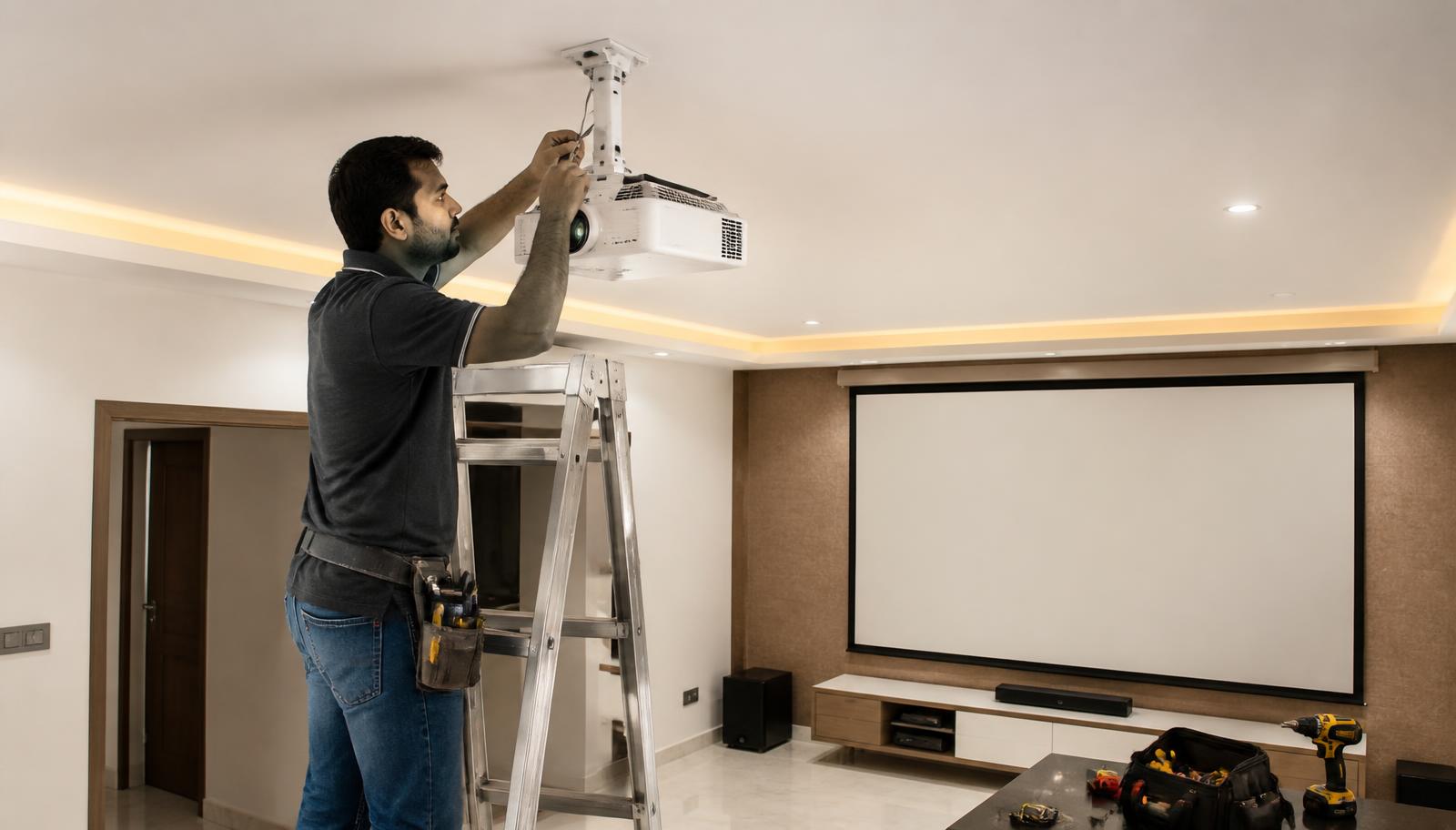
A projector is only as good as its installation. This is the sequence we follow on every job — we do not quote installation timelines before seeing the room. See projector installation.
Room assessment — dimensions, seating position, ambient light at the times you actually watch
Throw distance calculated from the model's published throw ratio, not guessed
Screen size and gain matched to seating distance and room light
Mount selection — ceiling, shelf or rear wall — with correct load and drop
Concealed HDMI, power and network routing, ideally before false ceilings close
Geometry and focus set up, then picture calibration on the final screen
Brightness and contrast are impossible to judge from a specification sheet. Our Hyderabad experience centre is at Pancom Business Centre, Mumbai Highway, Nagarjuna Nagar Colony, Ameerpet, Hyderabad 500073, and our Vijayawada experience centre is in Ashok Nagar. Demonstrations are by appointment, and the models on demonstration vary — tell us what you want to see and we will confirm what can be shown. Book a visit.
Warranty, availability and specification accuracy
Epson UK/EU publish a 3-year warranty; the India term is confirmed in writing at quotation Availability changes, so we confirm the exact model, configuration and lead time in writing before you order rather than publishing stock status on the website. Specifications are based on manufacturer information published by Epson and may change. Please verify the latest specifications with us before purchase.
Get current price and availability
We do not publish projector pricing on the website. Pricing depends on the configuration — projector alone, or projector with screen, mounting, cabling, audio and installation — so it is quoted in writing for your room. Availability changes, so we confirm the exact model, configuration and lead time in writing before you order rather than publishing stock status on the website. Request a quotation or message us on WhatsApp with your room details.
Tell us the model, your city, room type and approximate room size
We confirm the right model and screen size against the published specifications
You receive a written quotation covering the projector, screen, mounting and cabling
Installation, calibration and AV integration are quoted alongside it
Experience Centre · Hyderabad
Visit our Hyderabad showroom
Book a free demo at the LiveInSmart Hyderabad Experience Centre — listen to Dolby Atmos, see 4K laser projectors and walk through live home-automation scenes before you buy.
Pancom Business Centre, Mumbai Hwy, Nagarjuna Nagar Colony, Ameerpet, Hyderabad 500073
Yes. At 4,100 lumens white and colour brightness with Full HD resolution, it keeps text and diagrams readable in a lit classroom, and wireless presentation lets teachers share from a laptop or tablet.
Is the EB-FH54 suitable for conference rooms?+
Yes. It is designed for offices, boardrooms and meeting rooms — bright Full HD projection, wireless sharing over Wi-Fi 6, Miracast and AirPlay 2, and a 16W built-in speaker for rooms without dedicated audio.
How bright is the EB-FH54?+
Epson publishes 4,100 lumens of both white and colour brightness. Equal white and colour brightness matters — it means colour content stays as bright as white content, which is where 3LCD projectors differ from many single-chip designs.
Does the EB-FH54 support wireless presentation?+
Yes — Wi-Fi 6, Miracast, Apple AirPlay 2 and screen mirroring, with the Epson iProjection app supporting up to four devices with split screen, and WPA2/WPA3-Enterprise security.
Is the EB-FH54 suitable for office presentations?+
Yes, that is its primary use. Full HD keeps spreadsheets and small type legible, and the brightness means the room lights can stay on for note-taking and discussion.
Can the EB-FH54 be used for home theatre?+
It can display films, but it is not the right tool. It is Full HD rather than 4K and is tuned for brightness in lit rooms rather than contrast in dark ones. For home cinema, look at the [EH-TW6250](/epson-eh-tw6250), [EH-TW7100](/epson-eh-tw7100) or [EH-TW9400](/epson-eh-tw9400).
Does the EB-FH54 work with Microsoft Teams or Zoom?+
The projector displays whatever the connected computer or room system outputs, including a Teams or Zoom call. We do not claim certified room compatibility, because certification applies to the conferencing hardware — camera, microphones and codec — rather than the projector.
Ready to upgrade your space?
Book a free, no-obligation demo at our Hyderabad or Vijayawada experience centre and hear it for yourself.