AV Receiver Buying Guide: How to Choose the Right AVR for Your Home Theatre
Define the room, speaker layout, sources and display before comparing receivers. The right AVR is the one whose verified processing, amplification and connectivity fit the complete system.
The final speaker layout should define the receiver—not the other way around.
What is an AV receiver?
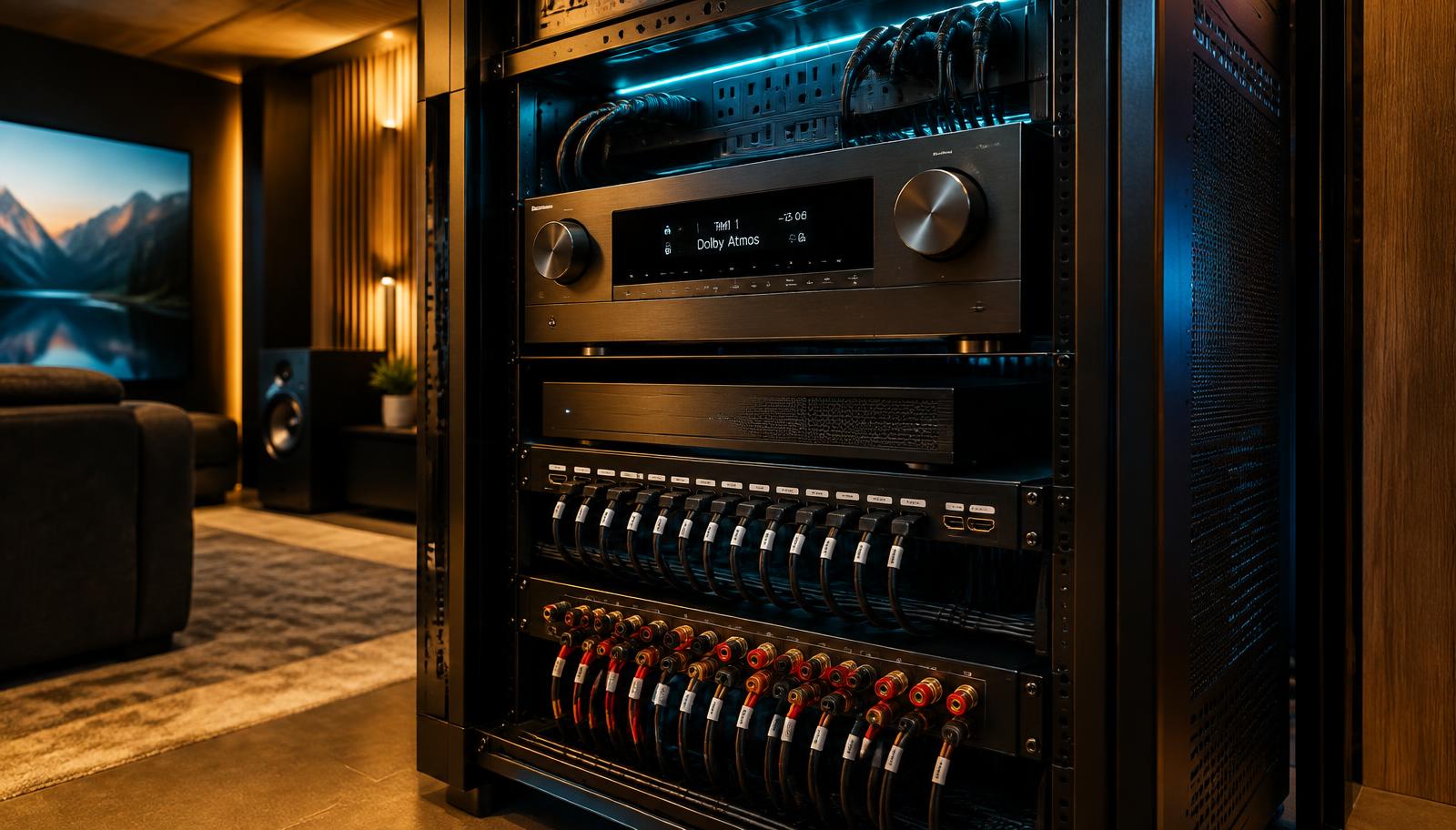
An AV receiver combines source switching, audio decoding, processing, bass management and, in many systems, speaker amplification. Choose one only after defining the intended speaker layout, sources, display and upgrade path. Verify simultaneous processing channels, built-in amplified channels, HDMI capabilities and speaker-load guidance on the current official specification sheet.
Interactive planning tool
Build your AVR requirement profile
Describe the intended system before comparing receivers. The result identifies the capability class to verify on a current manufacturer specification sheet.
Enter 2–20; decimals are accepted.
Enter 2–15; decimals are accepted.
Enter 1–12; decimals are accepted.
How the AVR Fits Into the System
Streaming device / disc player / console → AV receiver → display, amplified speakers and managed subwoofer outputs. Network audio and television return audio may add other paths. The AVR coordinates these signals, but every required format and connection must be verified across the complete chain.
Amplified Channels, Processing Channels and Speakers
These figures can differ. An AVR may process more channels than it can amplify internally and may need an external power amplifier for the full layout. A physical subwoofer count also does not necessarily equal independent LFE channels. Read the exact assignment notes, not only the large channel number on a product page.
Term
What it means
Why it matters
Amplified channels
Speaker channels powered inside the AVR
Determines what can run without external amplification
Processing channels
Channels the processor can decode and route
Can define expansion through pre-outs
Physical speakers
Connected loudspeakers and subwoofers
May not map one-to-one to layout notation
How Many Channels Does Dolby Atmos Need?
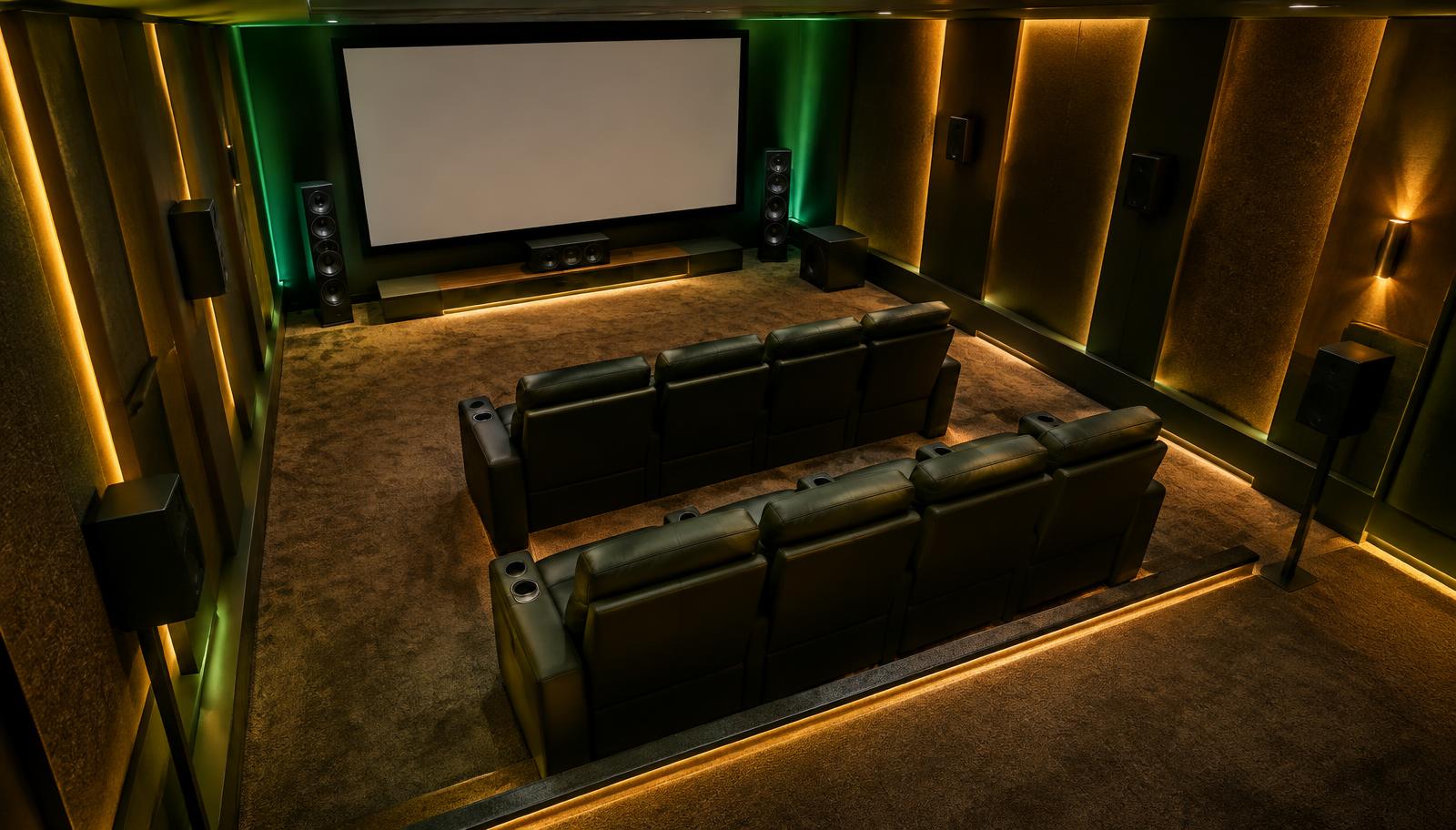
Count ear-level and height channels that require amplification. A 5.1.2 layout needs seven main amplified channels; 5.1.4 needs nine; 7.1.4 needs eleven. Then confirm how the receiver handles subwoofer outputs, channel assignment and any external amplification. Continue with the Dolby Atmos guide.
HDMI Features to Verify
Count current sources and keep a practical spare input. Check the exact inputs and outputs that support the display’s required resolution, refresh rate, HDR formats, copy protection, eARC/ARC and gaming features. An HDMI version label alone does not guarantee every feature on every port.
Required HDMI inputs plus upgrade headroom
One or more display outputs for TV, projector or both
eARC or ARC path from television applications
Resolution, refresh rate and HDR needs
Per-input support for VRR, ALLM and high-refresh gaming
Cable length and active/fibre requirements for projectors
AV Receivers for PS5, Xbox and PC Gaming
Map every gaming source and the display path. Verify the required bandwidth, 4K high-refresh formats, VRR, ALLM and HDR support on the exact receiver input/output combination. A direct-to-display video connection with eARC audio may be an alternative, but its audio-format and control implications should be checked.
Audio Formats Are Chain-Dependent
Dolby Digital, Dolby Digital Plus, Dolby TrueHD, Dolby Atmos, DTS, DTS-HD Master Audio and DTS:X represent different codecs or immersive extensions. Support on an AVR does not guarantee the source, app, connection and content will deliver that format. Verify the use case instead of buying by logo count.
Match the AVR to the Speakers and Room
Speaker sensitivity, impedance guidance, listening distance, room volume, target level and number of driven channels affect amplifier demand. Headline wattage is difficult to compare across different test conditions. Use manufacturer impedance guidance and professional system design rather than one universal watts-per-channel rule.
Room Size Influences More Than Power
A compact room may need fewer channels but still benefit from careful correction and bass management. A dedicated theatre may need more processing, ventilation and external amplification. A large or multi-row room increases coverage and bass-consistency requirements; it does not automatically make one AVR class correct.
Subwoofer Outputs and Bass Management
Check how many outputs exist and whether they are independently adjustable. Two sockets may carry the same managed signal, while more advanced products may offer independent level and delay. The LFE channel, bass redirected from speakers and physical subwoofer count are related but distinct concepts.
What Room Correction Can and Cannot Do
Room correction can measure distance, level, timing and response, then apply filters within its design. Capability varies by receiver. It cannot unblock a centre speaker, create missing separation, repair a deep seat-related null or substitute for acoustic treatment and correct placement.
Pre-Outs and External Amplification
Pre-outs route processed channels to external power amplifiers. They can be useful for demanding speakers, larger rooms, additional channels or staged upgrades. Confirm which channels are available, how internal amplifiers can be reassigned and whether the intended layout is supported simultaneously.
Zone Audio and Multi-Room Use
Zone 2 or additional-zone functions may share amplifiers, restrict source types or change the main-room channel assignment. If independent multi-room audio is important, compare a dedicated distribution architecture rather than assuming the AVR can do every zone at once.
Allow Room for Future Upgrades—Without Guarantees
Plan the likely final speaker configuration, number of sources, display path and external amplification before buying. Spare HDMI inputs, processing headroom and suitable pre-outs can preserve options, but no product is permanently future-proof because standards, formats and source devices change.
Why AVR Setup Matters
Installation includes safe ventilation, labelled speaker wiring, HDMI configuration, source output settings, network setup, channel assignment, crossovers, bass integration, room correction, control and documentation. Firmware changes should be applied deliberately and followed by checks—not treated as a substitute for system commissioning.
What Determines AV Receiver Cost
Cost is influenced by processing and amplified channels, power-supply design, HDMI capability, room correction, pre-outs, subwoofer management, zone functions, construction and support. Model prices change, so this guide focuses on the requirement profile rather than publishing temporary figures.
Common AVR Buying Mistakes
Choose requirements before products.
Buying by headline wattage alone
Confusing processed and amplified channels
Selecting the AVR before the speaker layout
Ignoring which HDMI ports support required video features
Leaving no input for a likely source
Assuming every dual-sub output is independently managed
Ignoring ventilation and rack depth
Treating room correction as a cure for placement
Buying upgrade features with no realistic use
Failing to document assignments and settings
Why LiveInSmart
LiveInSmart defines the complete signal path before recommending an AVR class: room, seats, speakers, subwoofers, sources, display, network, control and upgrade plans. Installation support can include rack design, wiring, configuration, calibration, handover documentation and later checks when sources or room layouts change.
Experience Centre · Hyderabad
Visit our Hyderabad showroom
Book a free demo at the LiveInSmart Hyderabad Experience Centre — listen to Dolby Atmos, see 4K laser projectors and walk through live home-automation scenes before you buy.
Pancom Business Centre, Mumbai Hwy, Nagarjuna Nagar Colony, Ameerpet, Hyderabad 500073
It switches audio/video sources, decodes and processes sound, manages bass and usually amplifies the connected speakers.
Do I need an AV receiver for a 5.1 system?+
A conventional passive 5.1 speaker system needs compatible processing and amplification, commonly supplied by an AV receiver.
How many channels do I need for Dolby Atmos?+
Add the ear-level and height channels that require amplification, then verify simultaneous processing and assignment. For example, 5.1.4 requires nine main channels.
What does 7.2 mean on an AV receiver?+
It generally indicates seven main channels and subwoofer outputs, but output independence and supported assignments must be checked in the specification.
What does 9.2 mean?+
It commonly describes nine main amplified channels with subwoofer connectivity. It does not by itself state processing expansion or independent bass management.
Is HDMI 2.1 necessary?+
It depends on your sources and display. High-refresh gaming and newer video features may require capabilities associated with HDMI 2.1, but verify each port’s actual support.
What is eARC?+
Enhanced Audio Return Channel sends supported audio from a compatible television back to the receiver over HDMI. Device and format compatibility still matters.
How many HDMI inputs should I have?+
Count current sources and allow a practical spare. Also verify that the required video capabilities are available on enough inputs.
What is room correction?+
A measurement and filtering system that can adjust distance, level, timing and response within its capabilities. It complements, but does not replace, good placement and acoustics.
How do I match an AVR with speakers?+
Consider impedance guidance, sensitivity, listening distance, target level, room size and number of driven channels—not wattage alone.
Can I add an external amplifier later?+
Only when the receiver provides suitable pre-outs and supports the intended channel assignment. Verify this before purchase.
Can one AVR support two subwoofers?+
Many can connect two, but whether outputs are independent varies. Confirm level, delay and correction behavior in the current specification.
What AVR do I need for 5.1.4?+
A receiver or processor that can process nine main channels and provide nine channels of amplification internally or through suitable external outputs.
What AVR do I need for 7.1.4?+
A product capable of eleven-channel processing plus sufficient internal or external amplification for the chosen assignment.
Can an AV receiver work with a projector?+
Yes. Confirm the receiver output and cable path support the projector’s required resolution, refresh rate, HDR and connection distance.
Define the AVR before comparing models?
Share your speaker plan, sources, display, gaming requirements and upgrade goals. LiveInSmart can review the capability profile against current specifications.