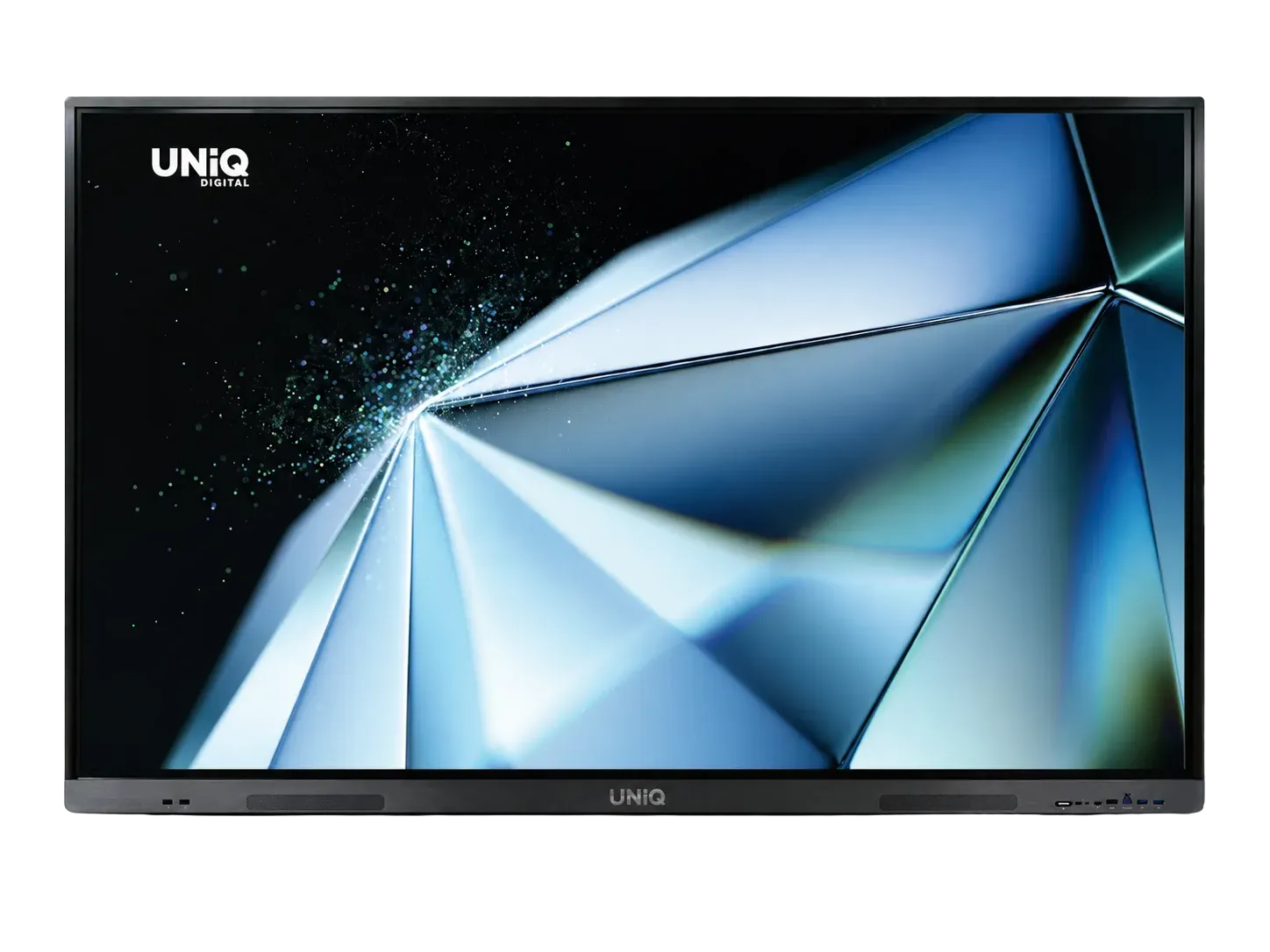
Complete verified specifications for the UNiQ ultima Series UD100ultima 100 inch interactive display, transcribed from the manufacturer product sheet with nothing rounded or embellished.
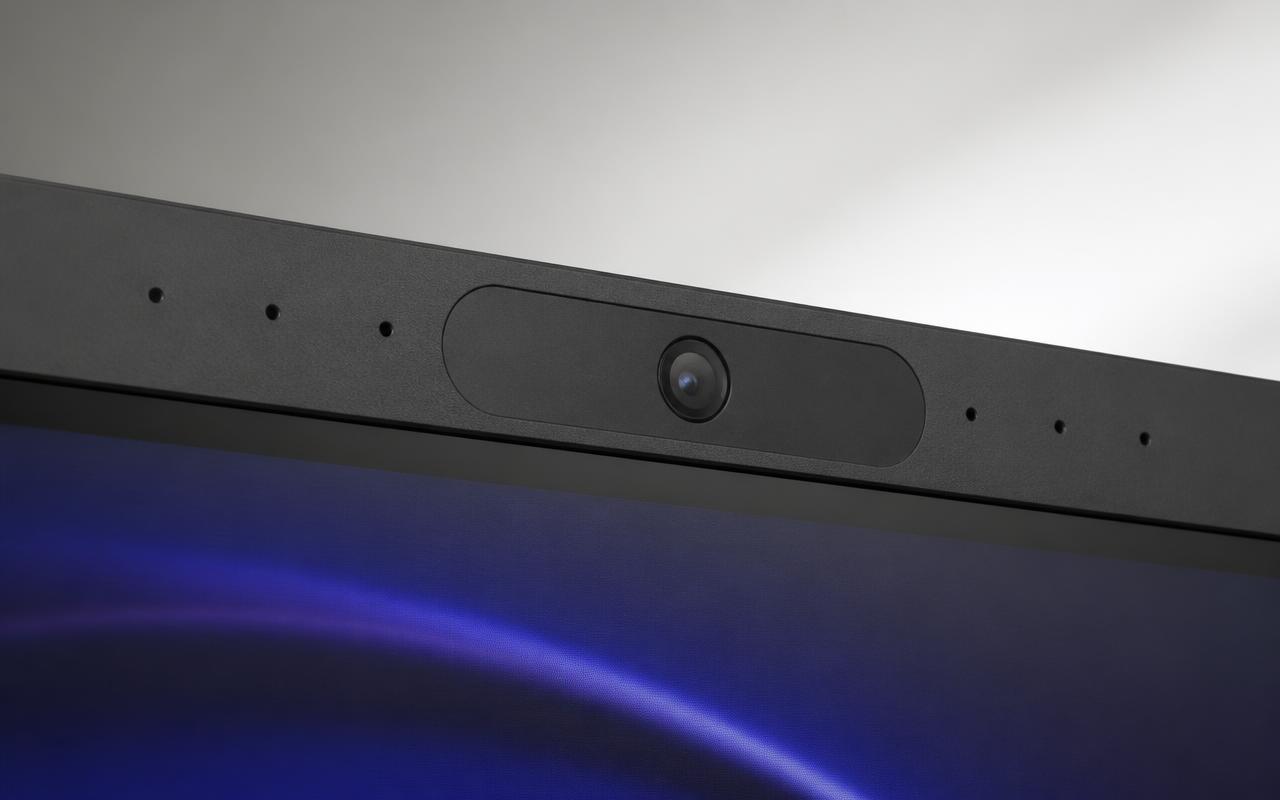
UNiQ ClearView AI 50MP camera (110° FOV) and ClearPickup 8-mic array built into the bezel.
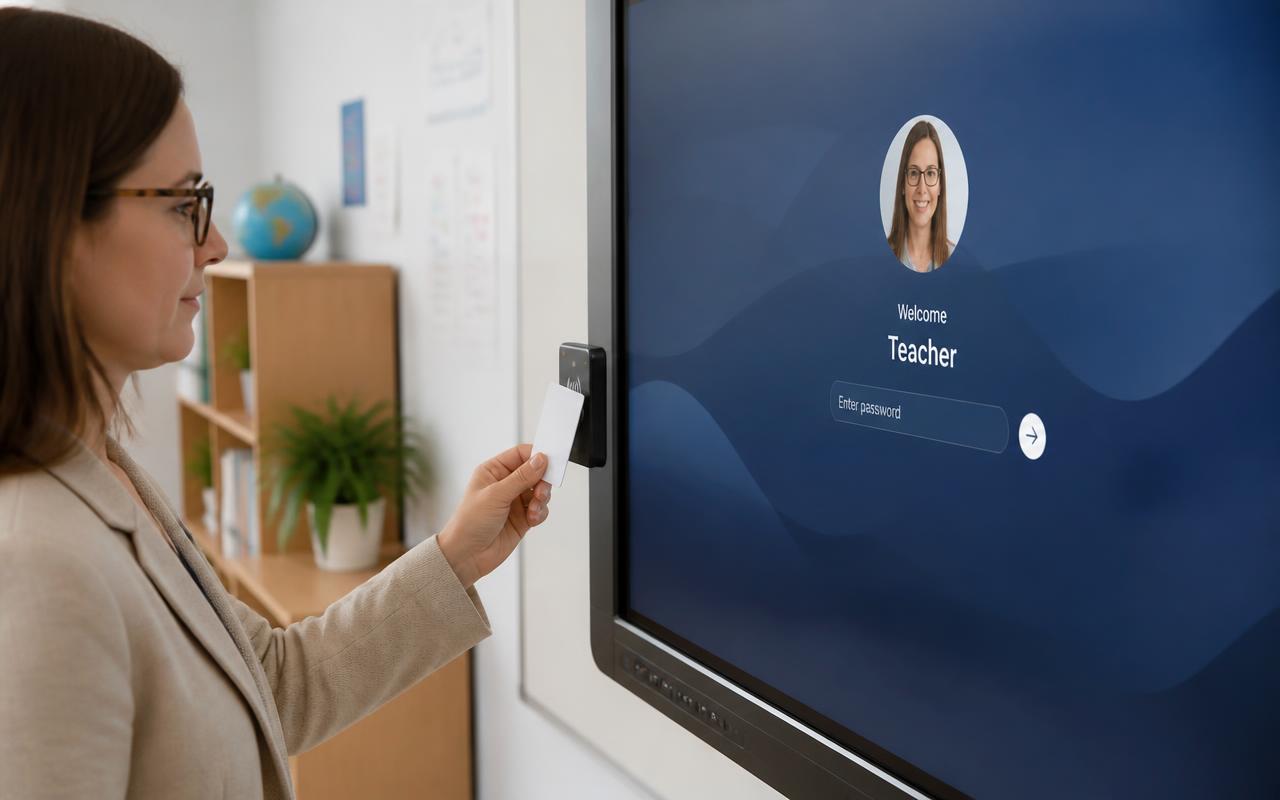
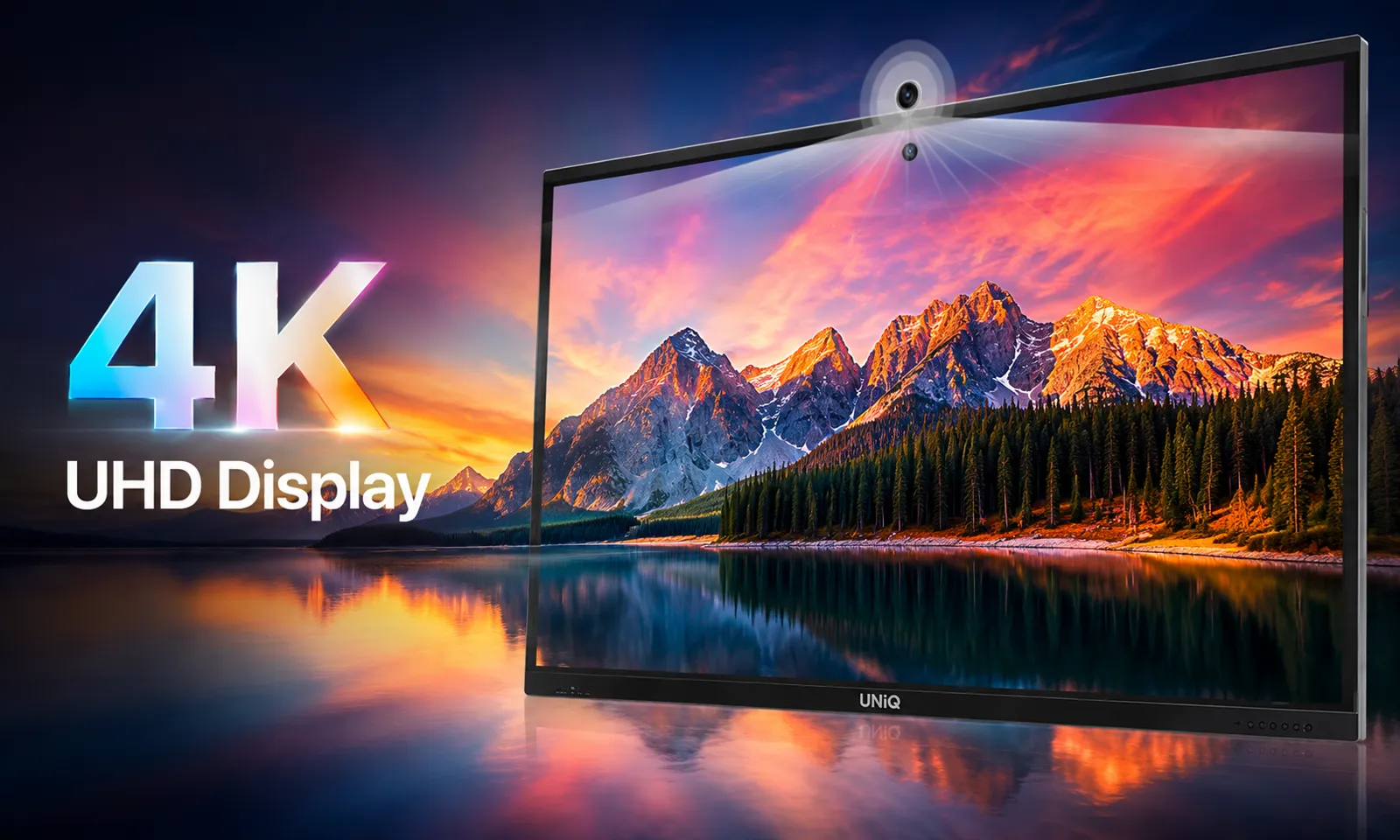
AI feature stack — Gemini/Assistant integration, AI Q&A, transcription and content search.UNiQ ClearView AI 50MP camera (110° FOV) and ClearPickup 8-mic array built into the bezel.UD100ultima — 100" 4K UHD, 40-point IR touch, H9 anti-glare hardened surface.Co-board — two ultima displays sharing one live whiteboard, no extra app or subscription.In-built NFC card reader — each teacher or presenter lands in their own secured profile.4K UHD DLED panel, 500 nits adjustable, 200000:1 contrast, 178°/178° viewing angle.
Key Features at a Glance — UNiQ ultima 100 Inch
Answer first: the six things that separate the UD100ultima from a generic 100 inch touch screen are on-device AI, a 50MP conferencing camera, 40-point touch, Android 16 with OTA, Co-board dual-display linking and NFC-secured multi-user profiles.
AI-powered, on-device | NPU edge AI runs assistant, Q&A, transcription and image search without a cloud round trip
AI conferencing built in | ClearView 50MP AI camera at 110° FOV + ClearPickup 8-mic digital array + 2×20W ClearVoice speakers
One-cable BYOM/BYOD | Full-functional USB-C carries audio, video, touch-back, data, peripherals and power
Built to last | 100,000-hour LED life, 500 nits, 200000:1 contrast, OPS slot for a Windows module
Verified 100 Inch Specifications (UNiQ ultima Series)
Every figure below is taken from the UNiQ ultima Series datasheet for the UD100ultima. Specifications are taken from the UNiQ ultima Series product sheet and are subject to change without notice by the manufacturer.
Screen size | 100 inch
Touch | IR, 40-point, ≤4ms response, ±2mm accuracy — finger, pen or object
In the box | Remote, power cord, 2× stylus, wall mount, 1.8m touch USB cable
Processing Platform
Answer first: RK3576 SoC with a dual-engine ARM Cortex configuration (Quad A72 + Quad A53), Mali G52 MC3 graphics, 8GB RAM and 128GB storage as standard, upgradeable to 16GB + 256GB, running Android 16 with OTA updates.
SoC | RK3576, Supreme version with full-functional USB-C
NPU | On-device edge AI for transcription, gesture and content search
Audio, Camera and Conferencing
The UD100ultima is a complete conferencing endpoint out of the box — no external camera bar, microphone puck or soundbar required for rooms up to boardroom scale.
Camera | UNiQ ClearView AI 50MP, 110° field of view, AI gesture control
Microphone | UNiQ ClearPickup AI 8-mic digital array
Platforms | Works with Teams, Zoom and Meet via the Android apps or a connected OPS PC
AI Features That Actually Run On the Panel
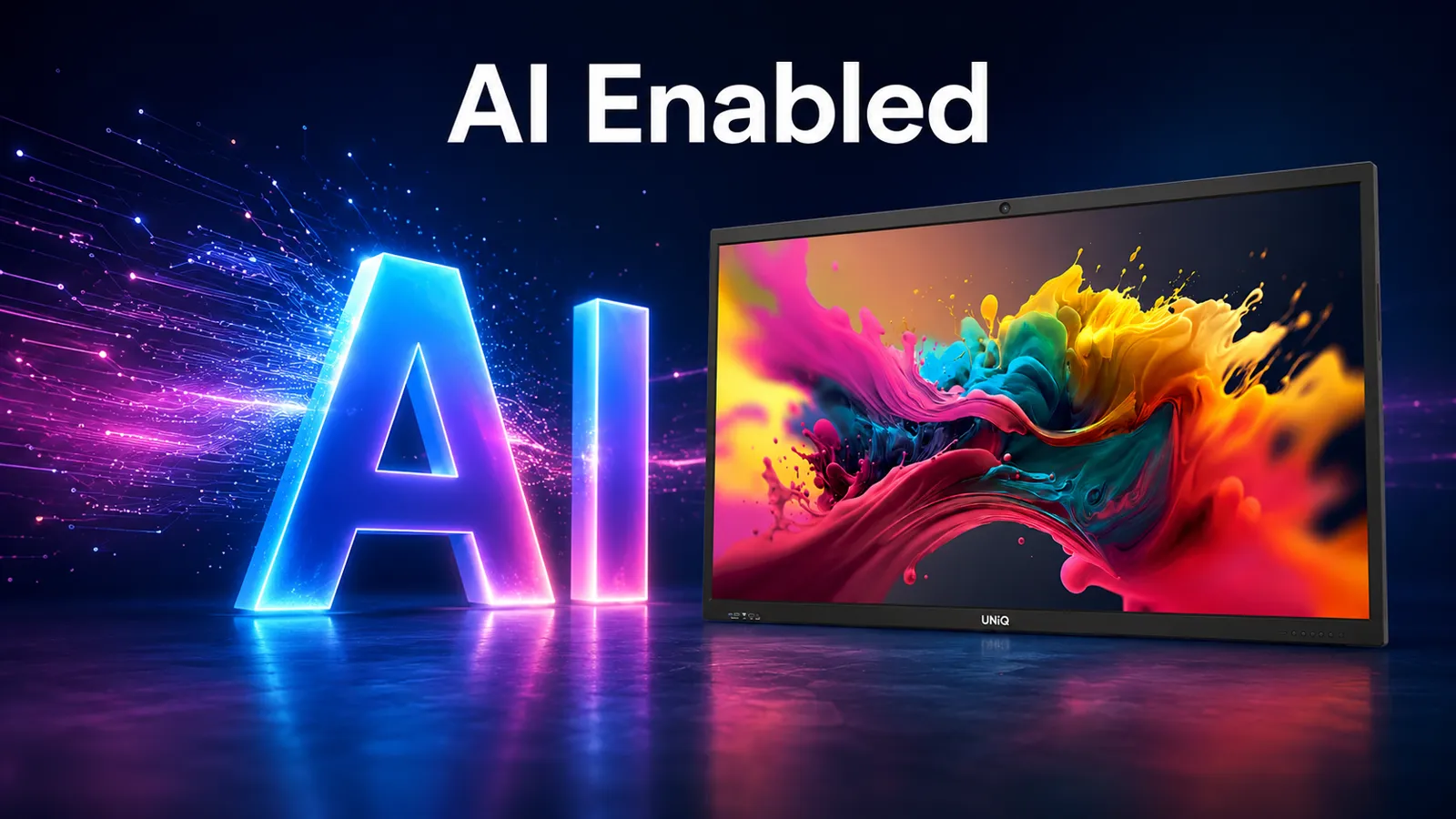
The ultima Series does AI processing at the edge on its own NPU, so transcription, gesture control and content search keep working without a cloud round trip — the practical difference in a classroom or boardroom with unreliable Wi-Fi.
AI Google Assistant / Gemini integration for voice-driven control and lookup
AI gesture-based camera controls — framing and tracking without a remote
AI intelligent Q&A support directly on the panel
AI speech-to-text transcription for meeting and lecture notes
AI content search and AI image search
AI-powered classroom support — AI-generated quizzes, lesson plans and curriculum-aligned content
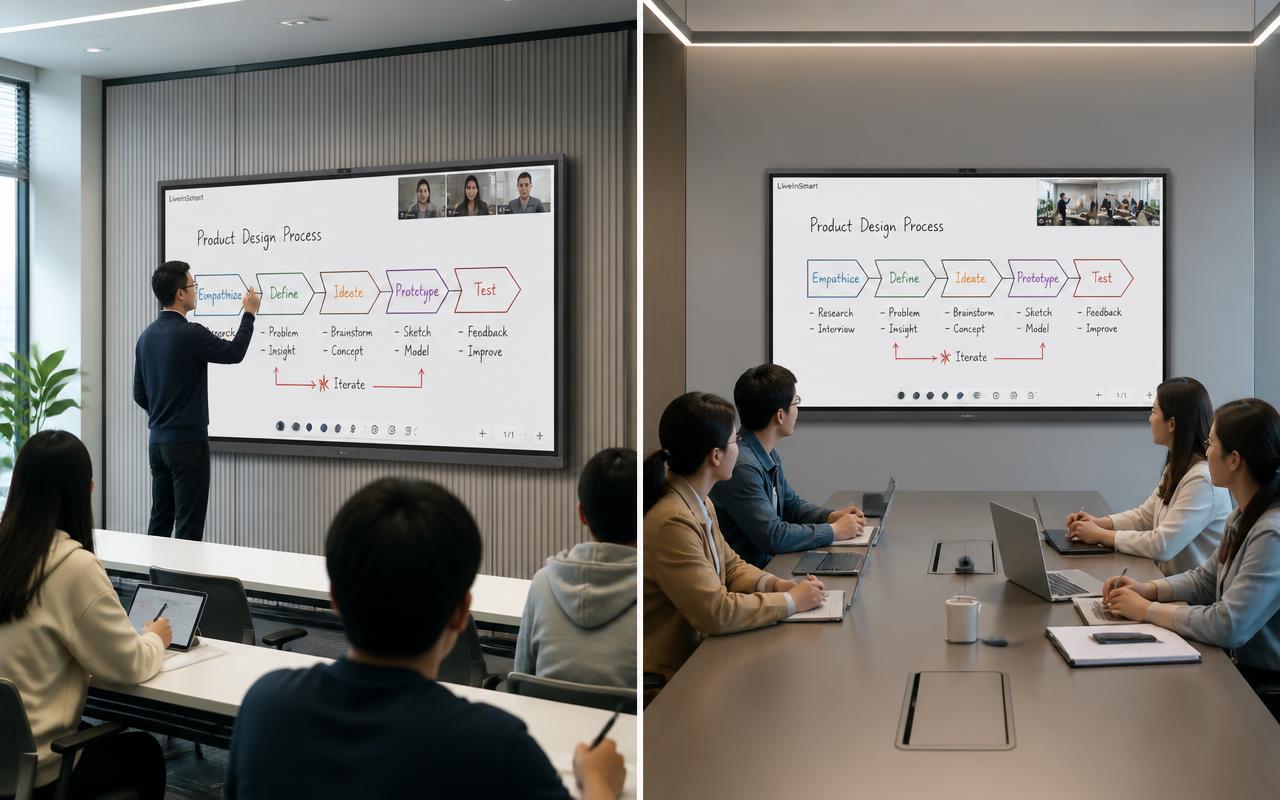
Co-board — links two UNiQ ultima displays across locations for real-time shared whiteboarding, no extra app or subscription
Why LiveInSmart for a 100 Inch Interactive Display
LiveInSmart is not a reseller. We are a single-vendor solution partner: Consultation → Requirement Analysis → Solution Design → Product Supply → Installation → Training → Annual Maintenance & Support. A 100-inch panel weighs 86 kg and needs a 400×800 VESA mount on a structurally sound wall, a 500W circuit and a commissioned network — this is not a courier-and-forget product, and one accountable team from survey to AMC is the difference between a working room and a warranty argument.
Structural wall survey before quoting — we confirm the wall can carry 86 kg plus mount before a panel is ordered
Live UNiQ ultima demo at the Hyderabad (Ameerpet) and Vijayawada (Ashok Nagar) experience centres
In-house installation crew — mounting, cabling, OPS commissioning, network onboarding and NFC user provisioning
Teacher / presenter onboarding included, plus AMC with defined response SLAs across Telangana and Andhra Pradesh
1000+ AV installations delivered — schools, colleges, government offices and corporate boardrooms
Single point of contact for the full 5–7 year life of the display
Get a Quote for UD100ultima Specifications
Send us the room dimensions, seating count, the furthest viewing distance and how the room is used. You get a sized configuration with model, mount, accessories and an itemised price — usually the same working day. LiveInSmart is not a reseller. We are a single-vendor solution partner: Consultation → Requirement Analysis → Solution Design → Product Supply → Installation → Training → Annual Maintenance & Support.
Free site survey, wall-load check and room-sizing report
Book a hands-on demo — Hyderabad (Ameerpet) or Vijayawada (Ashok Nagar)
Experience Centre · Hyderabad
Visit our Hyderabad showroom
Book a free demo at the LiveInSmart Hyderabad Experience Centre — listen to Dolby Atmos, see 4K laser projectors and walk through live home-automation scenes before you buy.
Pancom Business Centre, Mumbai Hwy, Nagarjuna Nagar Colony, Ameerpet, Hyderabad 500073
What resolution and brightness does a 100 inch interactive display support?+
The UNiQ UD100ultima runs 4K UHD on a DLED panel at 500 nits adjustable brightness, with a 200000:1 contrast ratio and 178°/178° viewing angle.
How many touch points does a 100 inch interactive panel support?+
The UD100ultima supports 40-point IR touch with response under 4ms and positional accuracy of ±2mm, usable with finger, pen or any other object.
What operating system does the UNiQ 100 inch interactive display run?+
It runs Android 16 with OTA upgrade support, on an RK3576 SoC with dual ARM Cortex CPU clusters (A72×4 + A53×4) and a Mali G52 MC3 GPU.
Can two 100 inch UNiQ displays be linked for remote collaboration?+
Yes. The Co-board feature connects two UNiQ ultima Series displays for real-time shared whiteboarding, content sharing and two-way audio and video, with no extra app or subscription.
How heavy is a 100 inch interactive display and what mount does it need?+
86 kg net (142 kg gross, boxed), measuring 2259 × 1315 × 134 mm, on a 400(H) × 800(V) mm VESA pattern. It needs a masonry or reinforced wall, or a heavy-duty floor stand rated above 100 kg.
Does LiveInSmart provide installation and AMC for 100 inch displays?+
Yes. Installation, teacher/presenter training and annual maintenance with defined response SLAs are provided in-house across Hyderabad, Vijayawada, Visakhapatnam and Warangal, and pan-India for project deployments.
Ready to upgrade your space?
Book a free, no-obligation demo at our Hyderabad or Vijayawada experience centre and hear it for yourself.