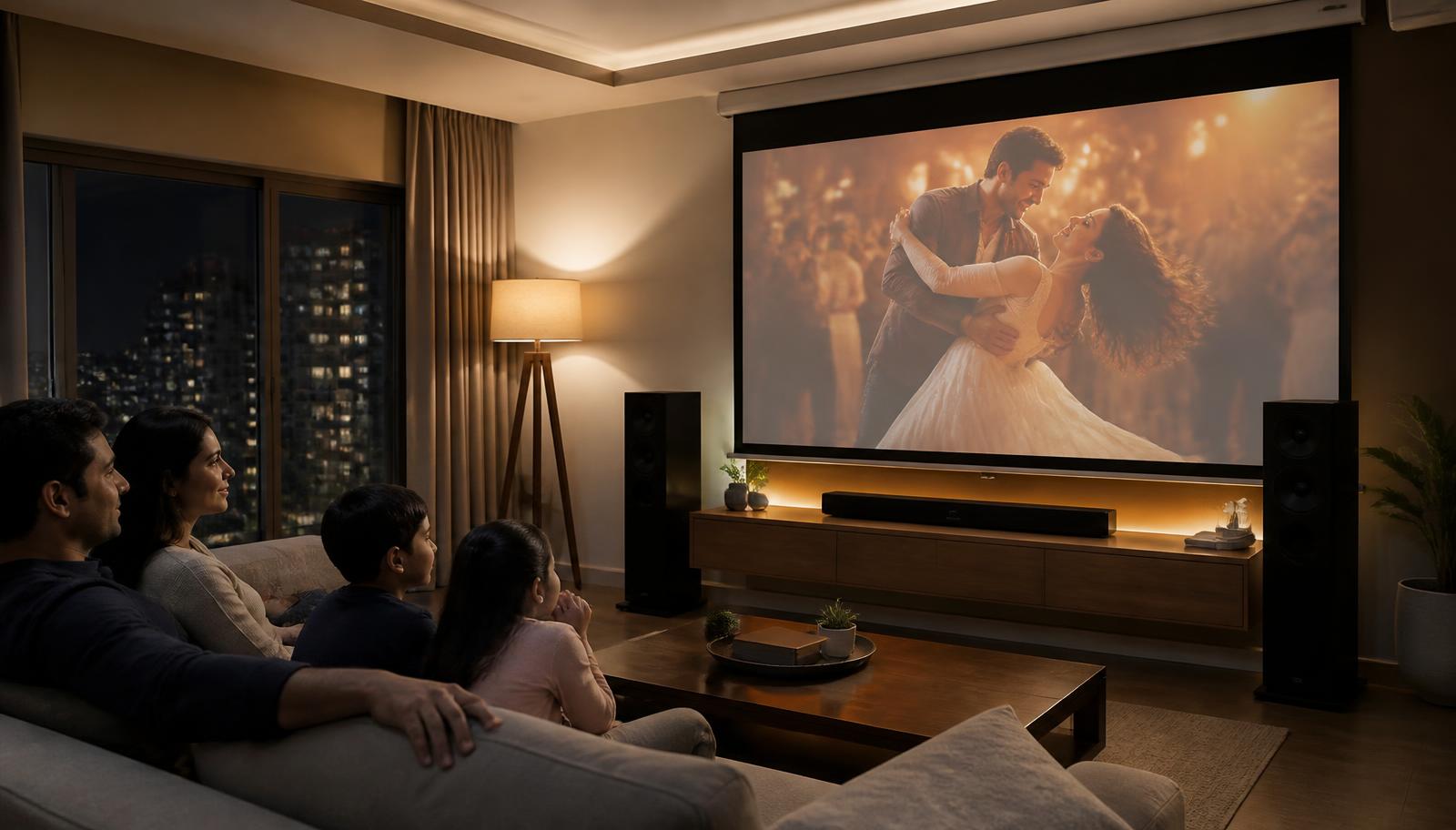
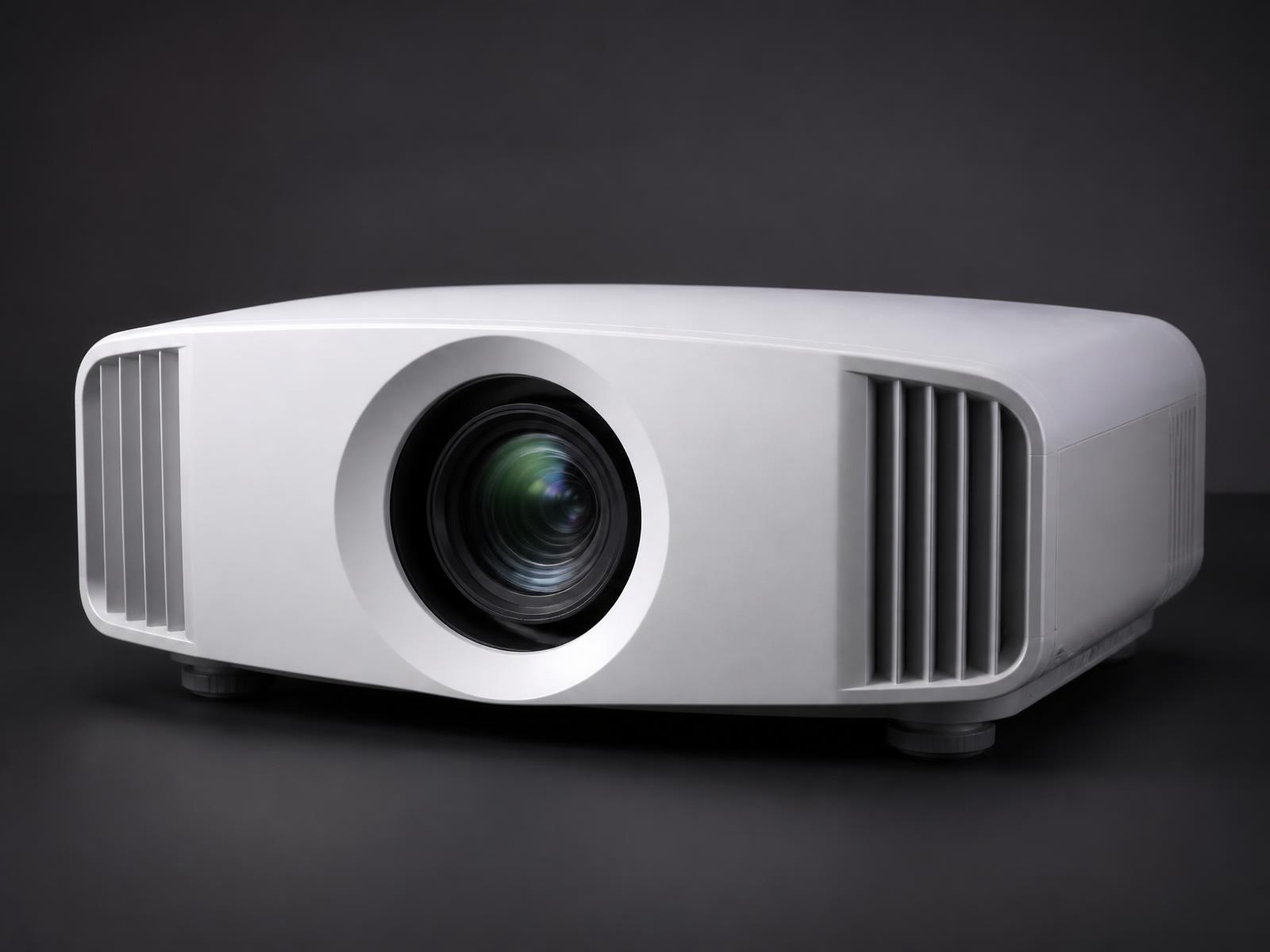
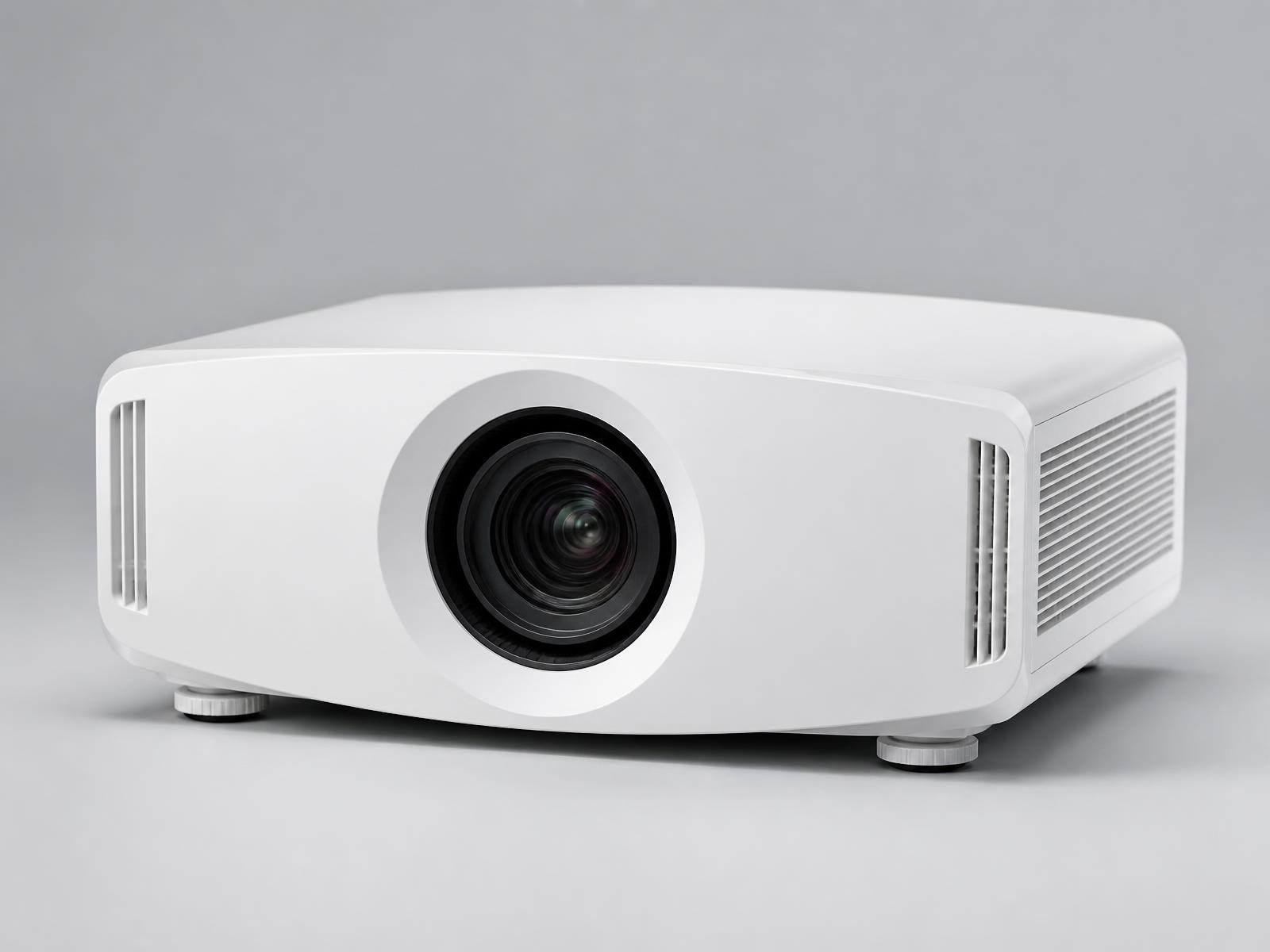
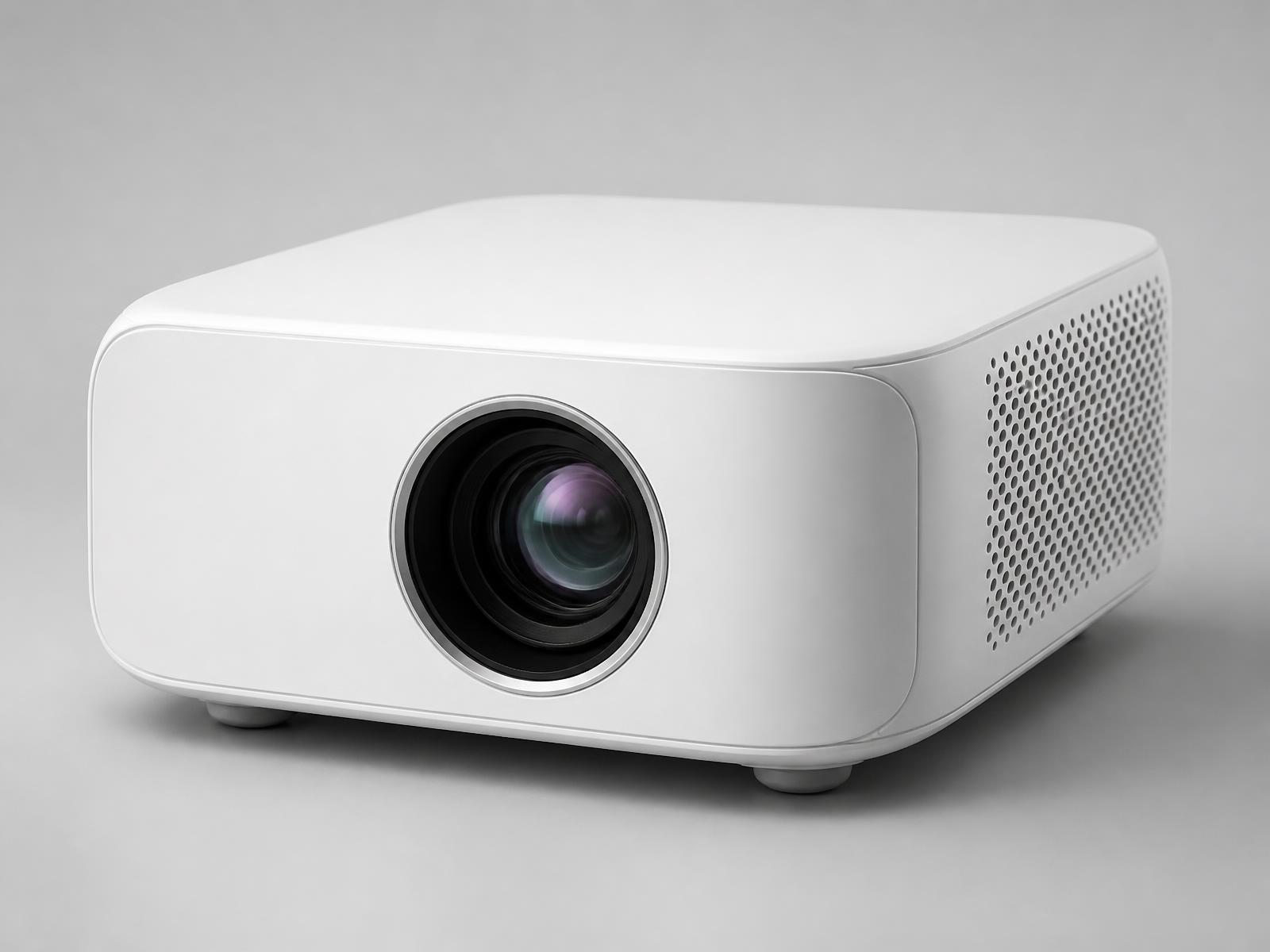
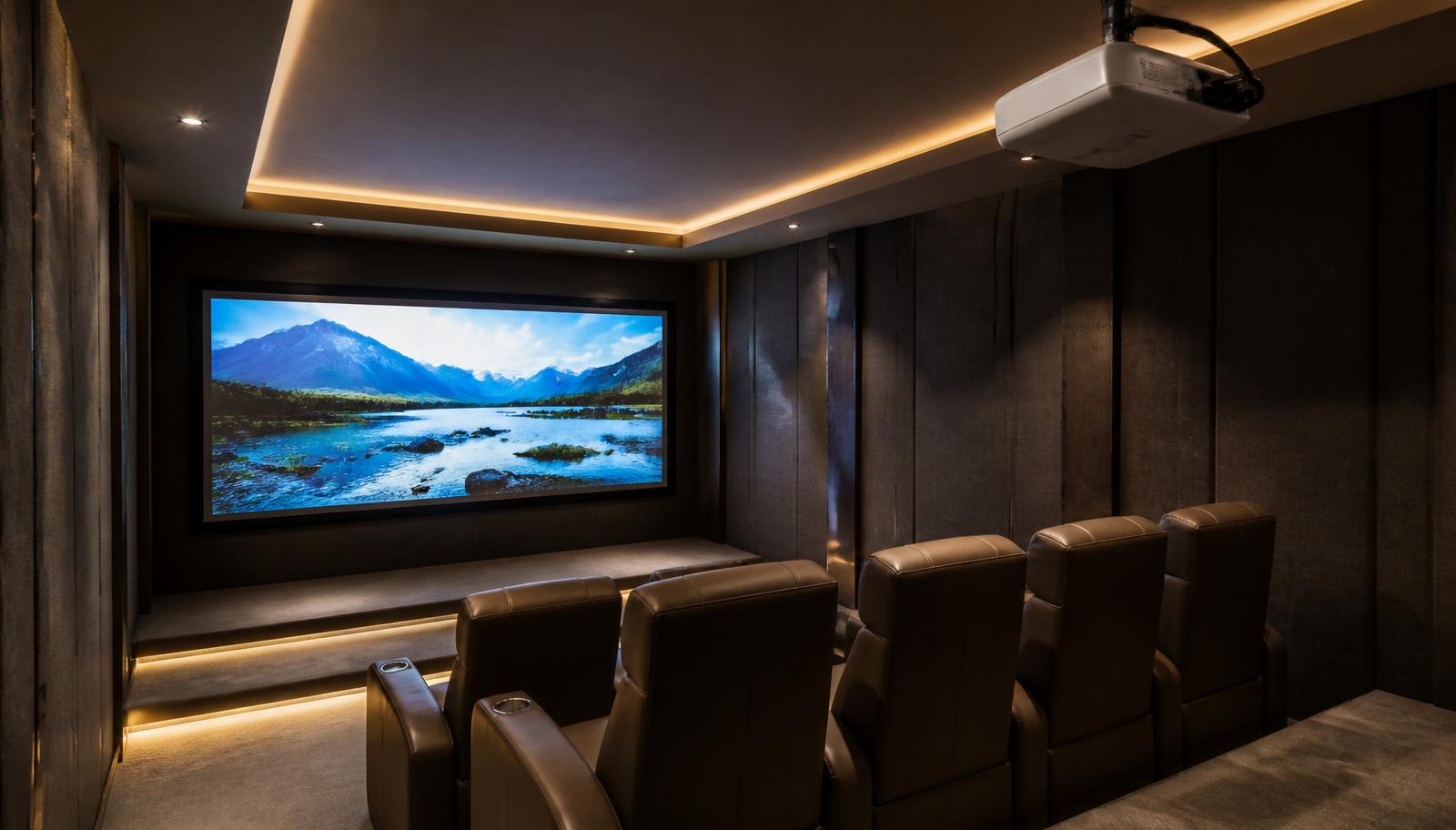
Epson's home theatre range here is three 3LCD 4K PRO-UHD projectors. The EH-TW9400 publishes 2,600 lumens with 1,200,000:1 contrast, powered lens shift and 2.1x powered zoom — the dedicated cinema choice. The EH-TW7100 publishes 3,000 lumens with 100,000:1 contrast, 3D and 2 × 10W speakers — the living-room choice. The EH-TW6250 publishes 2,800 lumens with Android TV and a sub-20ms lag time — the simple one-box choice for entertainment and gaming.
The three models at a glance
Each card links to the full product page with the complete published specification.
Epson EH-TW9400 — 2,600 lumens
Epson's premium 3LCD home cinema projector — 2,600 lumens, 4K Enhancement, 1,200,000:1 contrast and powered lens shift with 2.1x powered zoom. Best for dedicated cinema rooms and premium living-room cinemas with controlled light. View the EH-TW9400.
Epson EH-TW7100 — 3,000 lumens
3,000-lumen 4K PRO-UHD 3LCD projector with manual lens shift, 1.62x zoom, 2 × 10W speakers and Bluetooth audio out. Best for living-room cinema and family media rooms where some ambient light is unavoidable. View the EH-TW7100.
Epson EH-TW6250 — 2,800 lumens
2,800-lumen 4K PRO-UHD 3LCD projector with Android TV built in, 1.6x zoom, vertical lens shift and a published lag time under 20ms. Best for living rooms and family rooms that want a large 4K picture and console gaming without a separate streaming box. View the EH-TW6250.
Compared on published specifications
Epson's own figures, side by side. Fields Epson does not publish are marked.
Epson home theatre projectors compared on published specifications
Specification
EH-TW9400
EH-TW7100
EH-TW6250
Brightness
2,600 lumens
3,000 lumens
2,800 lumens
Contrast ratio
1,200,000:1
100,000:1
35,000:1
Lens shift
Powered — vertical ±96.3%, horizontal ±47.1%
Manual — vertical ±60%, horizontal ±24%
Manual — vertical ±60% (no horizontal lens shift)
Zoom
2.1x optical, powered
1.62x optical, manual
1.6x optical, manual
Throw ratio
1.35 – 2.84:1
1.35 – 2.15:1
1.32 – 2.15:1
Projection size
50" – 300"
40" – 500"
40" – 500"
HDR
HDR10 and HLG
HDR10
HDR10 and HLG
3D
Yes
Yes — 2D and 3D playback
Not specified by manufacturer
Gaming
Refresh 192–240Hz (2D) / 400–480Hz (3D); input lag in milliseconds not specified by manufacturer
Refresh 192–240Hz (2D) / 400–480Hz (3D); input lag in milliseconds not specified by manufacturer
Lag time of less than 20ms (Epson published figure)
Operating system
No built-in smart operating system — use an external streaming device or source
No built-in smart operating system — use an external streaming device or source
Android TV built in
Built-in audio
Not specified by manufacturer
2 × 10W stereo speakers
10W built-in speaker
Lamp life
3,500 hours (normal) / 5,000 hours (eco)
3,500 hours (normal) / 5,000 hours (eco)
4,500 hours (normal) / 7,500 hours (eco)
How to choose between them
Work through this in order — each step removes a model for a reason you can verify.
Can the room be made genuinely dark? If yes, contrast matters most and the EH-TW9400 leads by a wide margin
Is it the living room with windows and lights? Brightness matters most — EH-TW7100 at 3,000 lumens
Do you want streaming built in, with no extra box? Only the EH-TW6250 has Android TV
Is console gaming a priority? The EH-TW6250 is the only one with a published lag time, under 20ms
Do you need 3D? The EH-TW9400 and EH-TW7100 list it; the EH-TW6250 does not
Does the projector need to sit off-centre? The EH-TW9400's powered horizontal lens shift is the most flexible; the EH-TW6250 has no horizontal shift
How many sources connect permanently? The EH-TW6250 has one HDMI input; the other two have two
Room, screen and seating come before the model
We size the screen from seating distance first, then check the room length against each projector's throw ratio, then check whether the room's light level supports that screen size at the projector's brightness. Only then does a model get recommended. Doing it in the other order is how people end up with a projector that technically works and visibly disappoints.
Build a complete home cinema around your Epson projector
The projector is one component of seven. Buyers who only change the projector are usually disappointed; the room and the sound do as much work as the lens. See home theatre setup in Hyderabad and home theatre cost.
Projector — chosen for the room's light and throw distance
Fixed-frame or motorised screen — size and gain matched to the projector
AV receiver or processor sized for the speaker layout
5.1, 7.1 or Dolby Atmos speakers with correct placement
Subwoofer positioned and level-matched to the room
Lighting, shading and home automation so one button sets the scene
What projector installation actually involves
A projector is only as good as its installation. This is the sequence we follow on every job — we do not quote installation timelines before seeing the room. See projector installation.
Room assessment — dimensions, seating position, ambient light at the times you actually watch
Throw distance calculated from the model's published throw ratio, not guessed
Screen size and gain matched to seating distance and room light
Mount selection — ceiling, shelf or rear wall — with correct load and drop
Concealed HDMI, power and network routing, ideally before false ceilings close
Geometry and focus set up, then picture calibration on the final screen
See a projector before you commit
Brightness and contrast are impossible to judge from a specification sheet. Our Hyderabad experience centre is at Pancom Business Centre, Mumbai Highway, Nagarjuna Nagar Colony, Ameerpet, Hyderabad 500073, and our Vijayawada experience centre is in Ashok Nagar. Demonstrations are by appointment, and the models on demonstration vary — tell us what you want to see and we will confirm what can be shown. Book a visit.
Get current price and availability
We do not publish projector pricing on the website. Pricing depends on the configuration — projector alone, or projector with screen, mounting, cabling, audio and installation — so it is quoted in writing for your room. Availability changes, so we confirm the exact model, configuration and lead time in writing before you order rather than publishing stock status on the website. Request a quotation or message us on WhatsApp with your room details.
Tell us the model, your city, room type and approximate room size
We confirm the right model and screen size against the published specifications
You receive a written quotation covering the projector, screen, mounting and cabling
Installation, calibration and AV integration are quoted alongside it
Specification accuracy
Specifications are based on manufacturer information published by Epson and may change. Please verify the latest specifications with us before purchase.
Experience Centre · Hyderabad
Visit our Hyderabad showroom
Book a free demo at the LiveInSmart Hyderabad Experience Centre — listen to Dolby Atmos, see 4K laser projectors and walk through live home-automation scenes before you buy.
Pancom Business Centre, Mumbai Hwy, Nagarjuna Nagar Colony, Ameerpet, Hyderabad 500073
The EH-TW7100 at 3,000 lumens white and colour brightness, ahead of the EH-TW6250 at 2,800 and the EH-TW9400 at 2,600.
Which Epson home projector has the best contrast?+
The EH-TW9400, with a published 1,200,000:1 dynamic contrast ratio against 100,000:1 for the EH-TW7100 and 35,000:1 for the EH-TW6250.
Which Epson home projector is best for gaming?+
The EH-TW6250 is the only one with a published latency figure — a lag time of less than 20ms — so it is the one we recommend where console gaming matters.
Do any of these have built-in streaming apps?+
Only the EH-TW6250, which has Android TV built in. The EH-TW9400 and EH-TW7100 need an external streaming device over HDMI.
What size screen do Epson home theatre projectors support?+
The EH-TW9400 covers 50"–300"; the EH-TW7100 and EH-TW6250 both cover 40"–500". The right size for your room is a separate calculation based on seating distance and light.
Can these projectors be ceiling mounted?+
Yes, all three are designed for fixed installation on a ceiling mount or rear shelf, with throw distance calculated from the published throw ratio.
Ready to upgrade your space?
Book a free, no-obligation demo at our Hyderabad or Vijayawada experience centre and hear it for yourself.